Three ways to test your aim
Start with Easy, work through Normal, or take on Hard's fleet modeling and planned volleys. Your unfinished match is saved so you can return whenever you like.
 Sinkpoint
Place your fleet and find your opponent's before they find yours. Play solo against the AI or challenge a friend on two nearby Android devices. No account or internet connection required.
Choose your opponent
The same hidden-fleet game, with room to make it your own.
Start with Easy, work through Normal, or take on Hard's fleet modeling and planned volleys. Your unfinished match is saved so you can return whenever you like.
One player hosts, the other joins. Compare the pairing code, place your fleets, and play over a nearby Bluetooth or Wi-Fi connection. Multiplayer needs Google Play services and nearby permissions.
No server, account, or router required.
Use the classic 10 × 10 board or choose a board from 6 × 6 to 12 × 12. Customize your fleet, allow pieces to touch, or switch to salvo turns for a volley of shots.
Solo and nearby matches save separately. Keep your statistics, adjust the theme, and export a backup of your solo progress and settings.
Made for touch
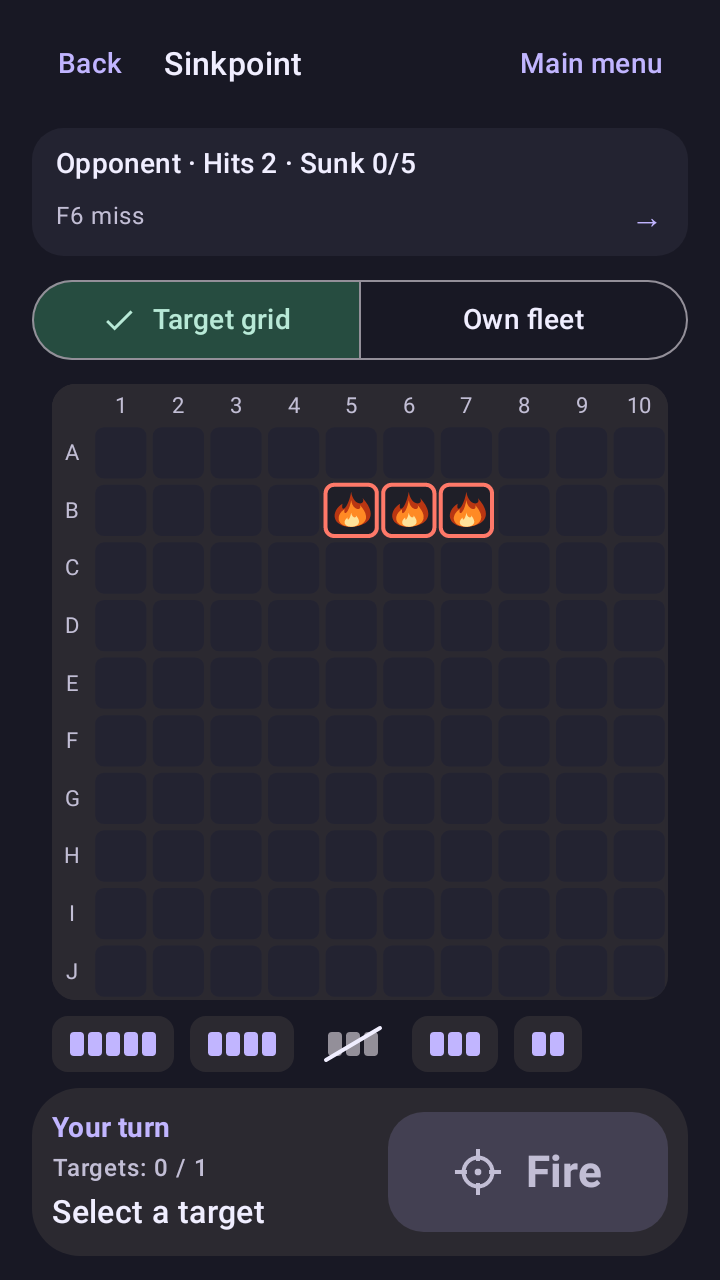
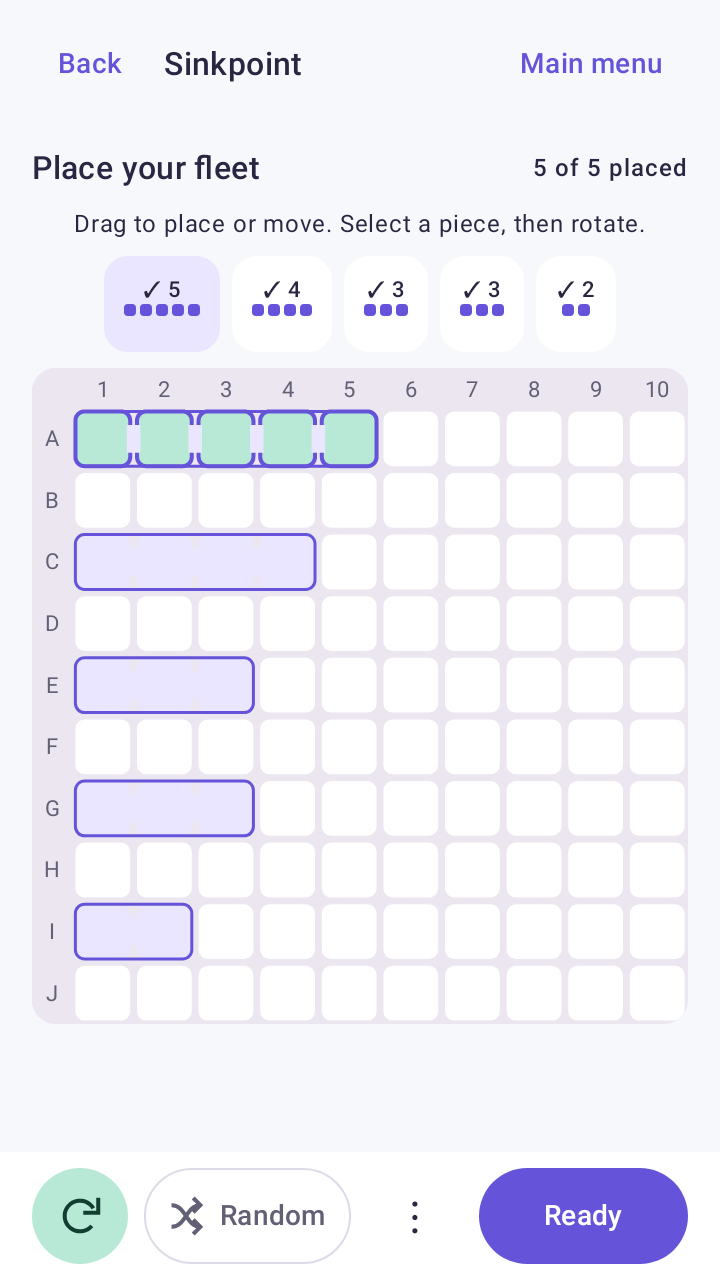
Drag your pieces onto the board, rotate them into place, or tap Random for a fresh layout. During the match, select a target and press Fire when you're ready.
Download for Android
Get Sinkpoint on Google Play. Requires Android 8.0 or later. Nearby multiplayer also requires Google Play services.
Get it on Google PlayGitHub APKs are debug-signed preview builds. Open the downloaded file and allow installation from your browser or file manager when Android asks. Later preview builds use the same signing key for updates.